Real-time monitoring
Track new messages in selected sources as soon as they appear.
Run a fast keyword pass first, then let AI validate intent and context. Only messages that resemble real demand move forward.
A buyer may be asking for a price, looking for a contractor or comparing suppliers right now. Manual monitoring does not scale, while plain keyword matching creates too much noise.
Track new messages in selected sources as soon as they appear.
Use basic keywords so AI is not called for the entire message stream.
Let AI validate message meaning, author role and purchase intent.
Keep the original text, source, date, author and source link for fast review.
Exclude ads, service providers, users who already purchased and other non-target scenarios through the AI instruction.
Send leads to Telegram/MAX or save them to TXT/CSV for CRM and further processing.
Add chats and comment threads where your market is discussed.
Configure basic keywords and exclusions.
AI validates meaning and sends only matching requests forward.
Get the result together with context and the source-message link.
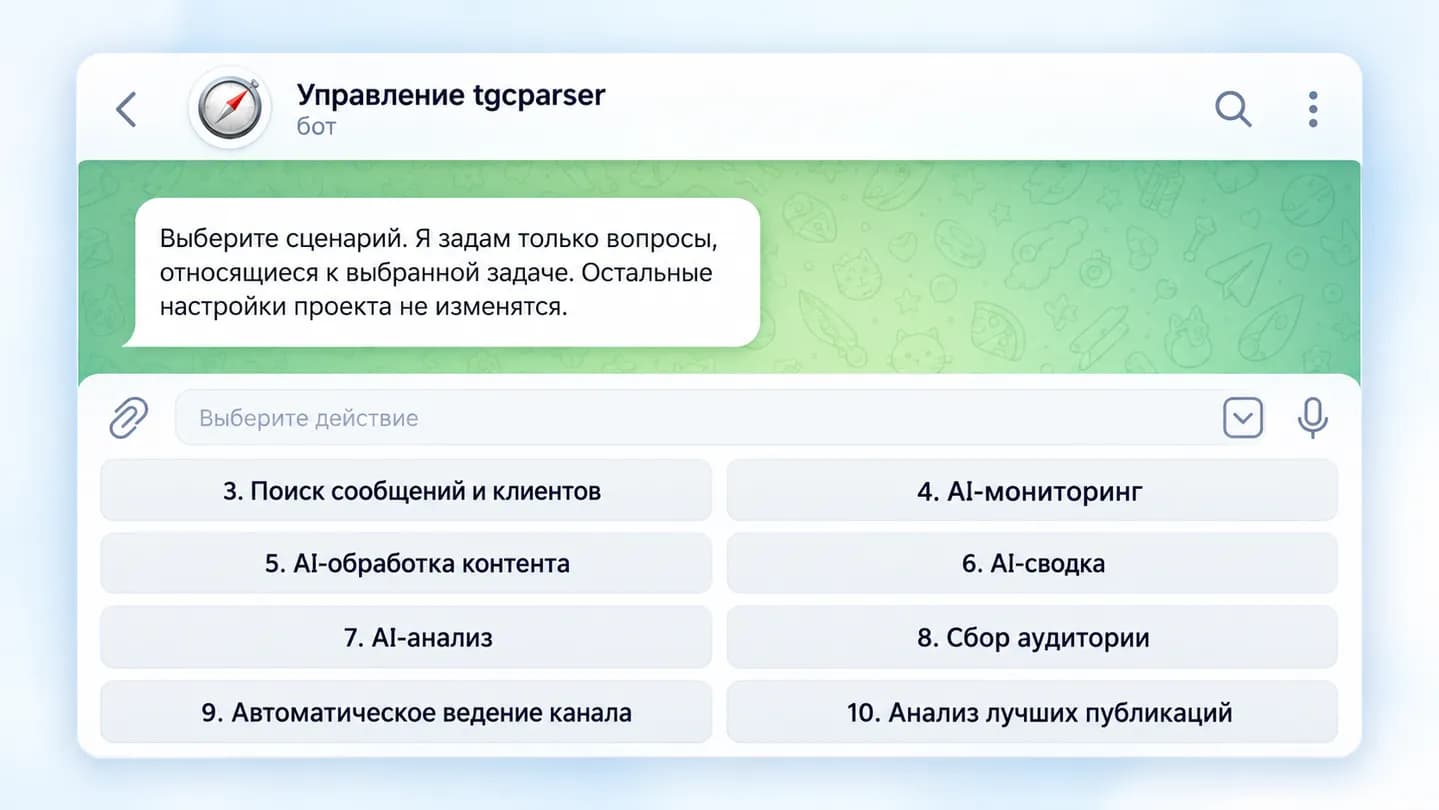
The current tgcparser X interface shows message and customer search, publication filtering and project management.
The menu visibly includes a dedicated Message and customer search workflow
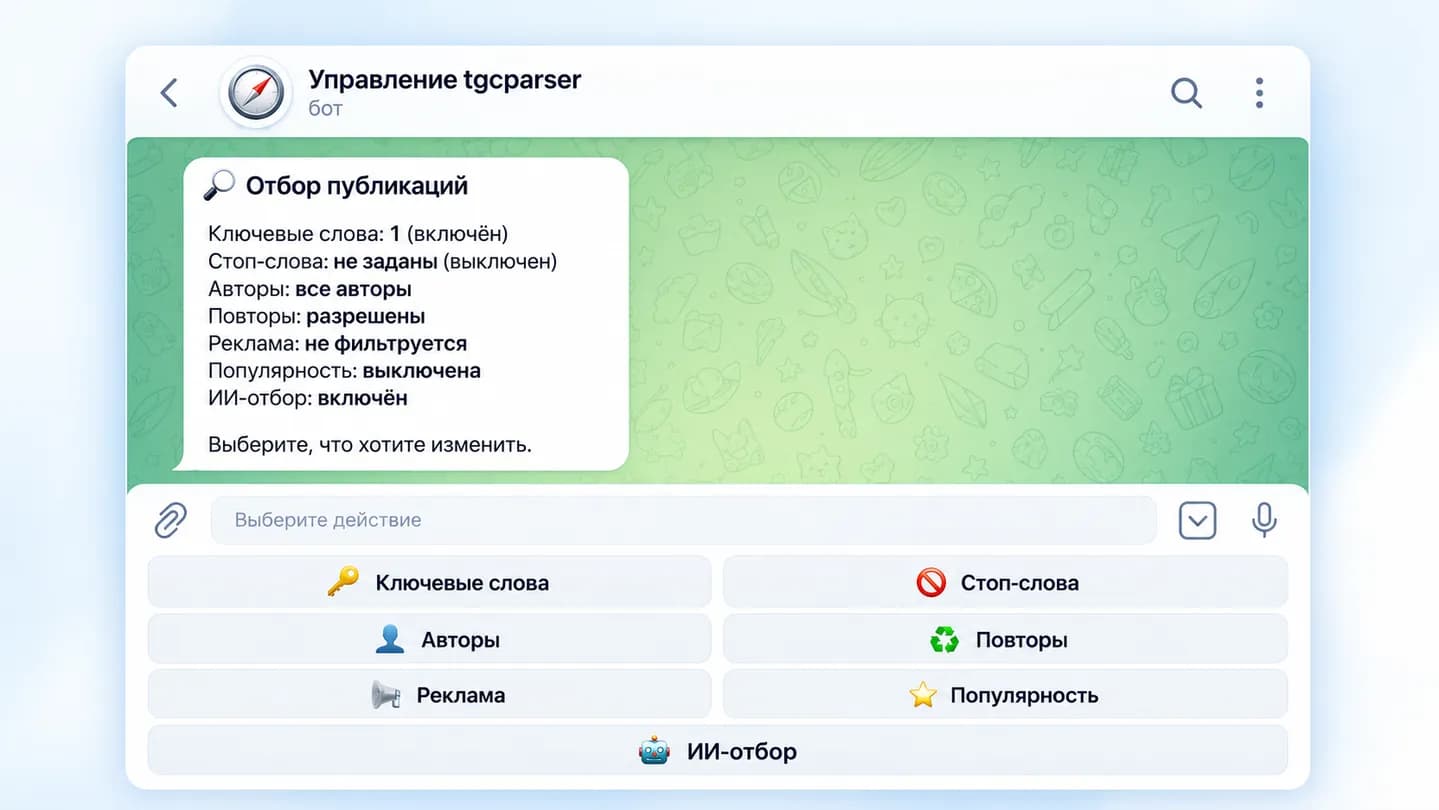
The screen shows keywords and AI filtering enabled together
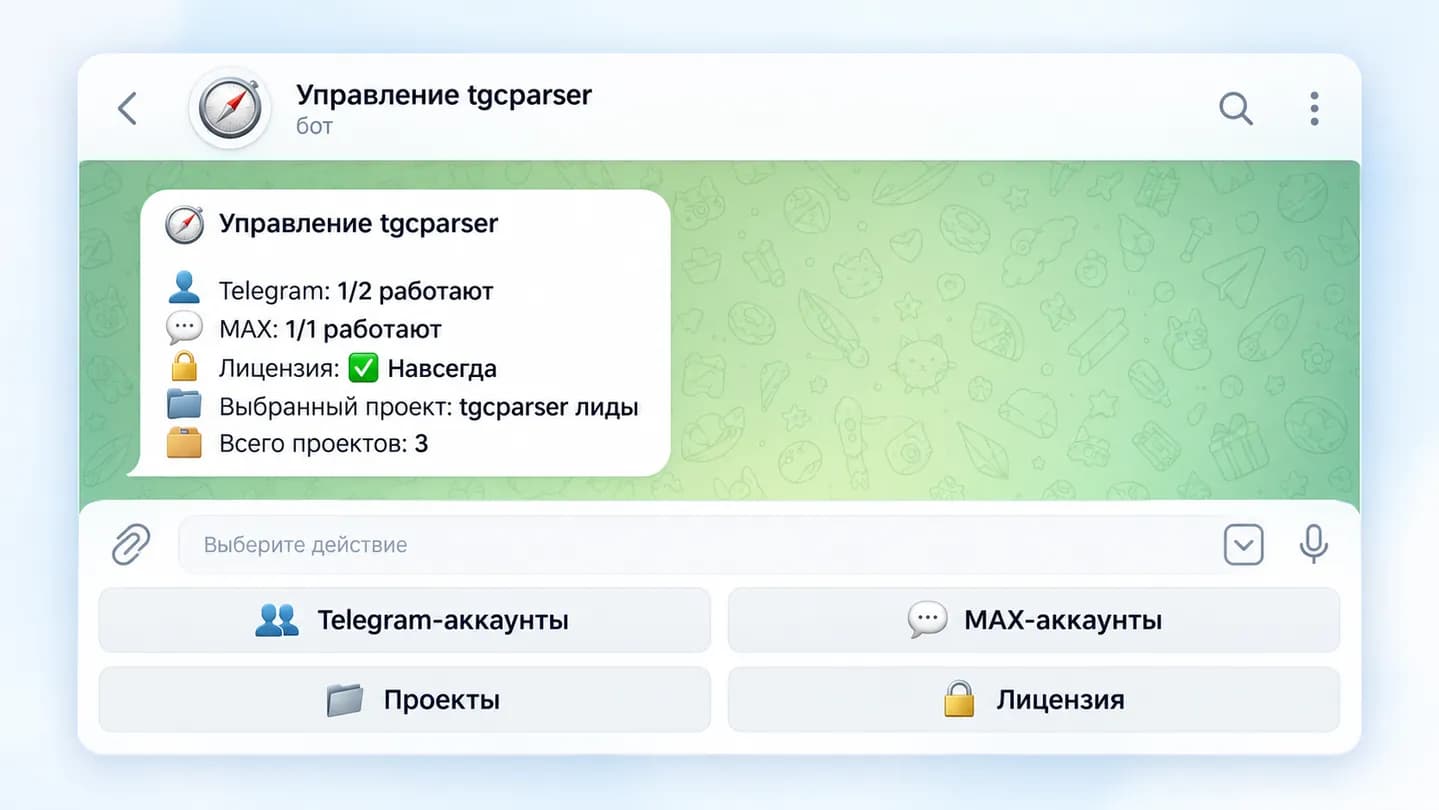
The interface shows the selected project and three projects in one installation
The audience parser finds users by messages, activity and other available signals beyond immediate purchase intent.
A message that matches your description of the target buyer or request. The criteria are defined in the AI instruction.
Keywords can act as a low-cost first pass so AI only analyzes likely candidates.
Yes. Add those conditions directly to the AI filtering instruction.
New messages can be processed in real time and delivered after the configured filters pass.
Yes. Use separate projects with their own sources and criteria.
Available author data, message text, date, source, source link and other fields can be published or saved to TXT/CSV.
Configure sources, basic keywords and the AI instruction once — Lead Hunter then works automatically.
Try for 24 hours