AI monitoring
Track new messages and publications against a topic or condition.
tgcparser X collects messages and posts from selected sources, filters the stream and runs dedicated AI workflows for monitoring, summaries and analysis.
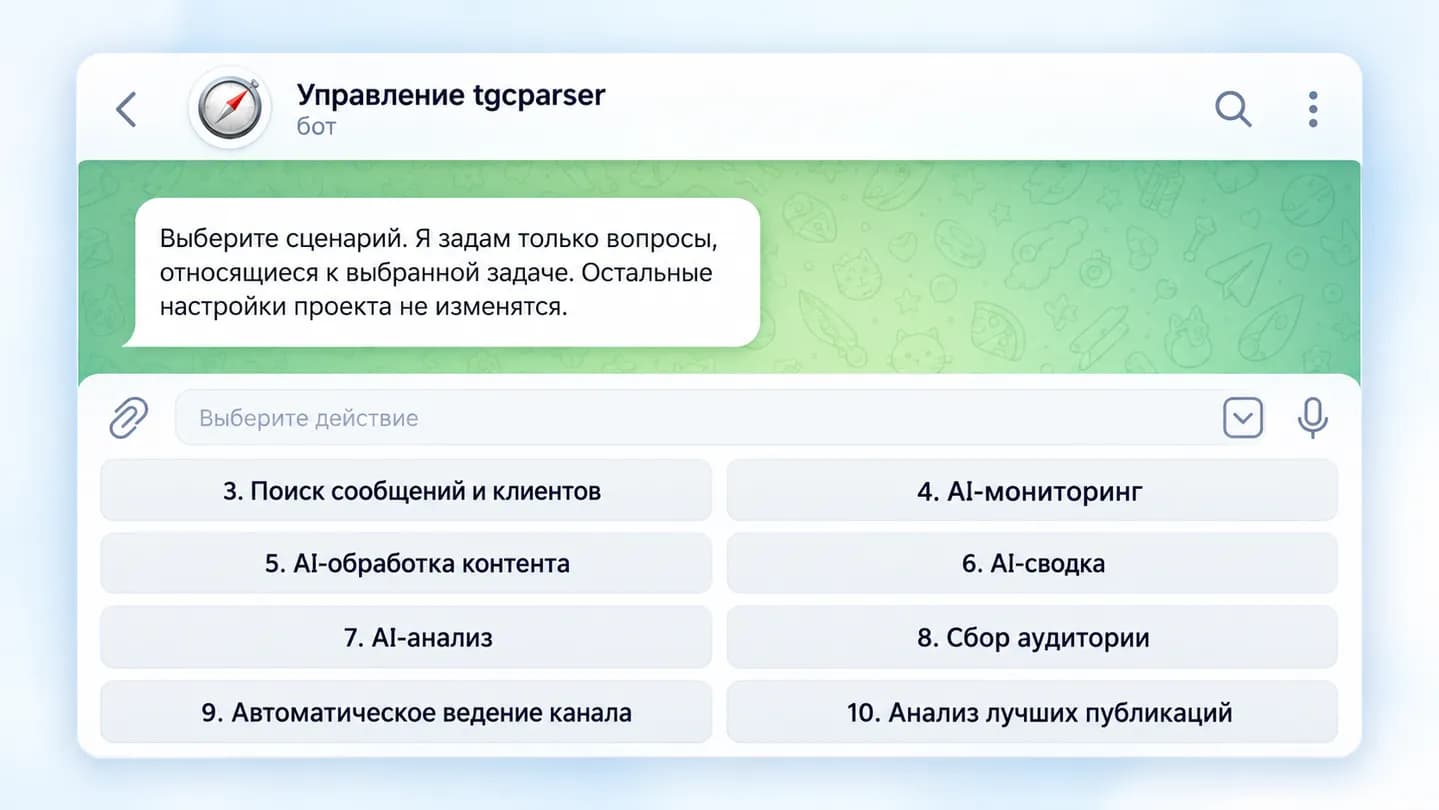
Manual review only gives fragments of the picture. Dedicated tgcparser X workflows help track important events, collect material over time and turn the stream into a structured result.
Track new messages and publications against a topic or condition.
Collect new publications for a period, merge repeated events and prepare one summary.
Send accumulated material to AI for analysis using your own instruction.
Use a low-cost first-pass filter before semantic processing.
Analyze a past period and continue monitoring new publications.
Deliver results to Telegram/MAX or save structured data.
Choose chats and channels to research.
Monitoring, summary or analysis depending on the task.
Add the topic, keywords, period and AI instruction.
Save, publish or feed the output into the next stage of work.
tgcparser X does not require a separate analytics dashboard: workflows, filters and projects are managed through Telegram.
Dedicated workflows sit alongside Lead Hunter and content tasks
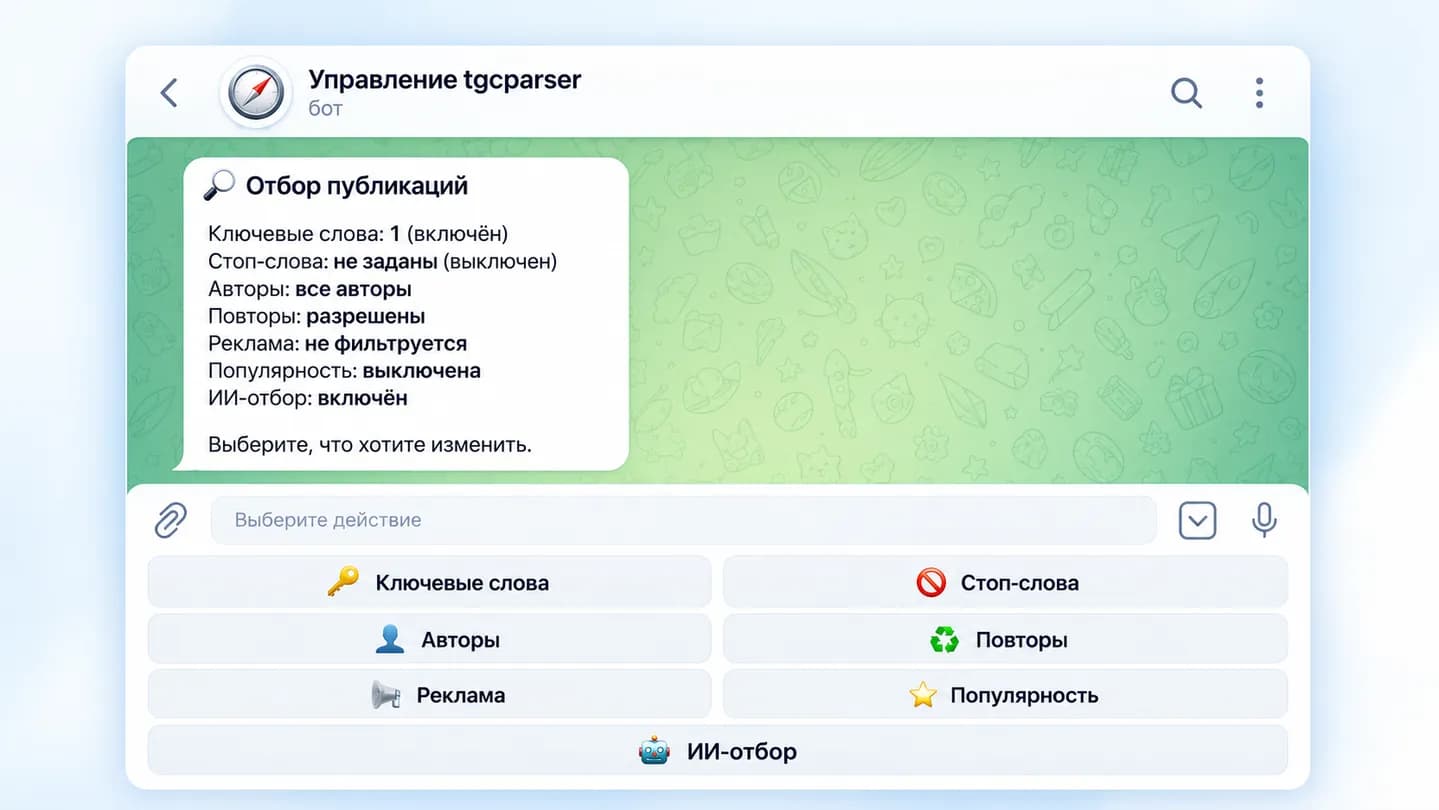
The screen shows keywords and AI filtering enabled together
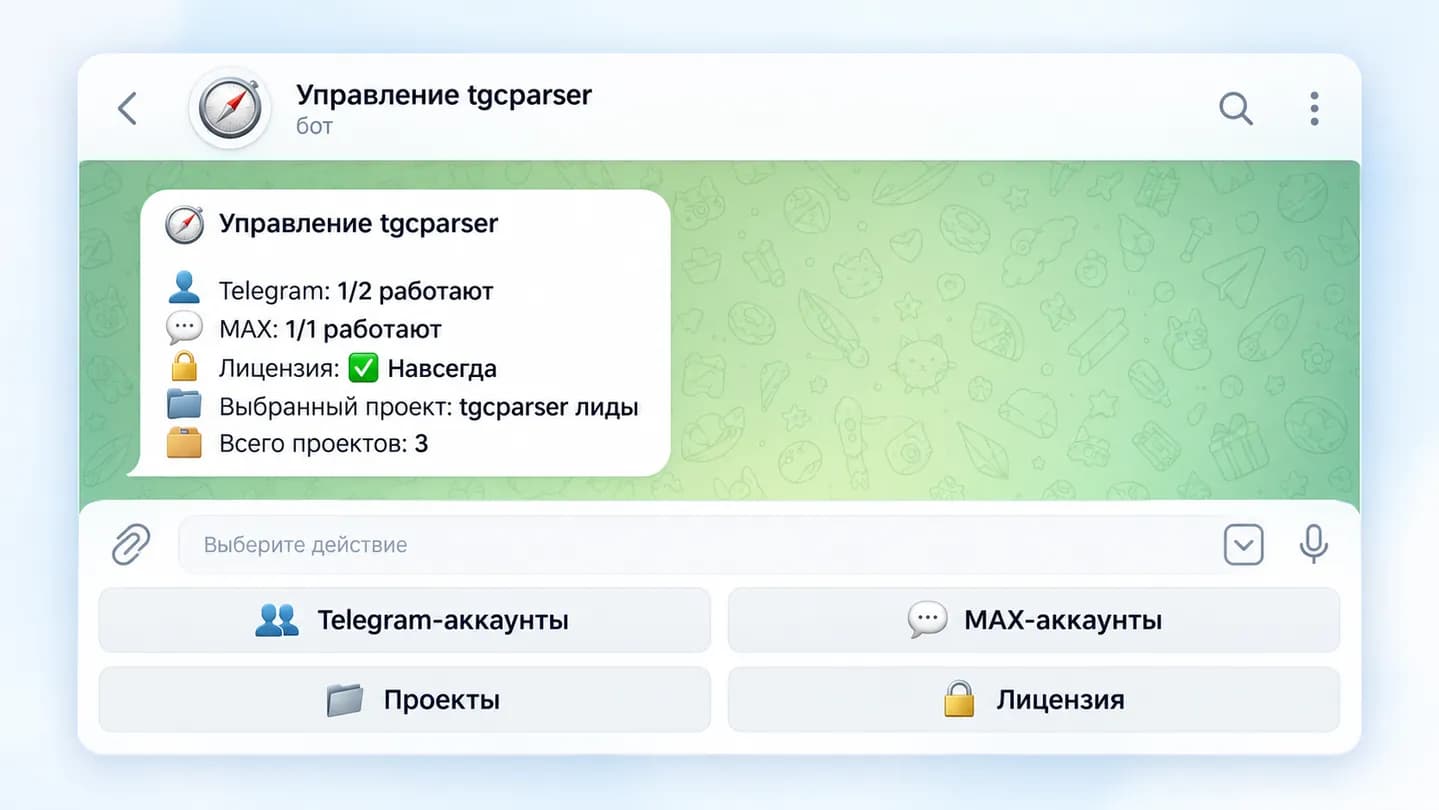
The interface shows the selected project and total project count
The Telegram chat parser explains history, real-time monitoring, authors and audience workflows.
Monitoring checks the new stream against a condition, while summary workflows collect material over a period and combine it into one result.
Yes. AI analysis and other workflows can follow custom instructions.
Yes. Keywords and rules can serve as a first-pass filter before AI.
Yes. Set the collection period and continue with real-time monitoring afterwards.
Yes. Use separate projects.
To Telegram/MAX or structured data for further work.
Choose sources, workflow and criteria and let tgcparser X automate collection and preparation.
Try for 24 hours