Real-time and history
Track new messages as they appear or collect history for a selected period.
Connect chats and describe what to look for. tgcparser X can scan history or new messages, find relevant content by keywords and meaning, and keep the context and available author data.
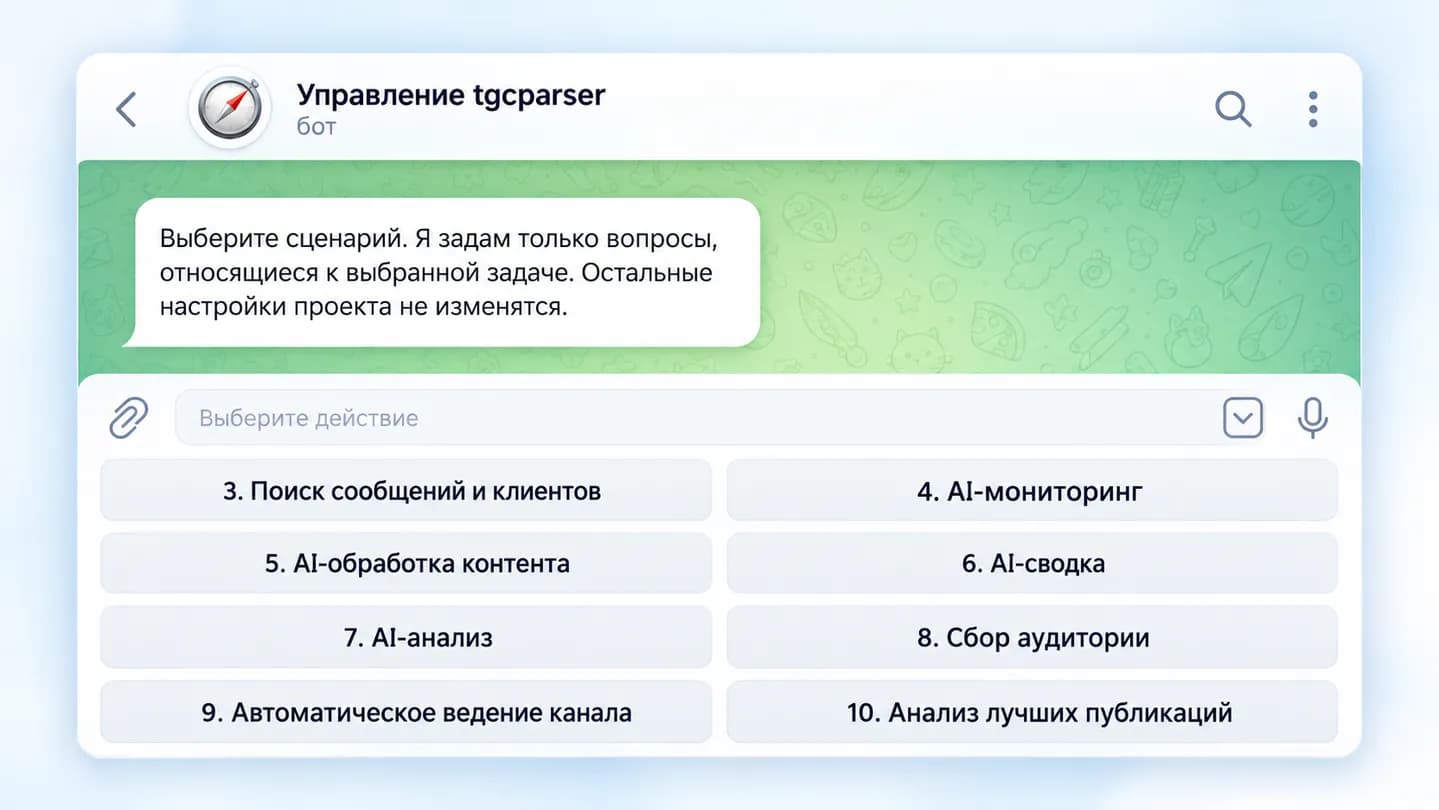
A lead, customer question or important mention can disappear between hundreds of ordinary messages. tgcparser X watches the stream automatically and keeps only what matches your task.
Track new messages as they appear or collect history for a selected period.
Collect available participant data or people who actually wrote in the selected chats.
Find messages that express purchase intent, pricing questions, service needs or active search.
Use keywords for a fast first pass, then let AI check the meaning of the remaining messages.
Separate lead discovery, monitoring, content and other jobs into independent projects with their own settings.
Deliver results to Telegram and MAX or save structured data to TXT/CSV.
Provide accessible chats, channels and topics to monitor.
Lead discovery, AI monitoring, AI content, AI summaries, AI analysis or audience collection.
Set the period, keywords, exclusions and AI filtering. Keywords and AI can work as a cascade.
Send matching messages to Telegram/MAX or save them to TXT/CSV.
See what a project collects, how filtering works and where the result goes without managing a separate complex dashboard.
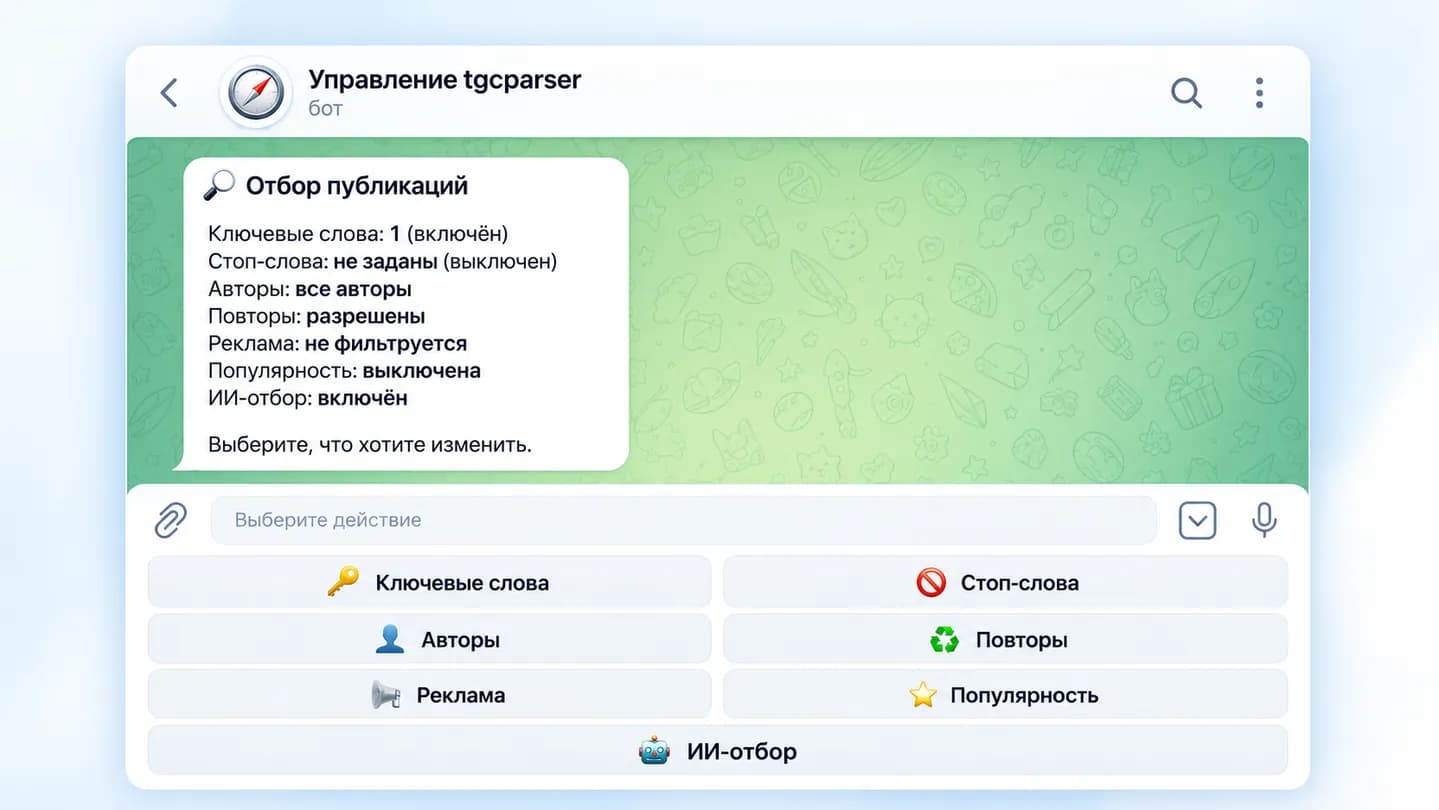
Keywords and AI filtering are enabled at the same time
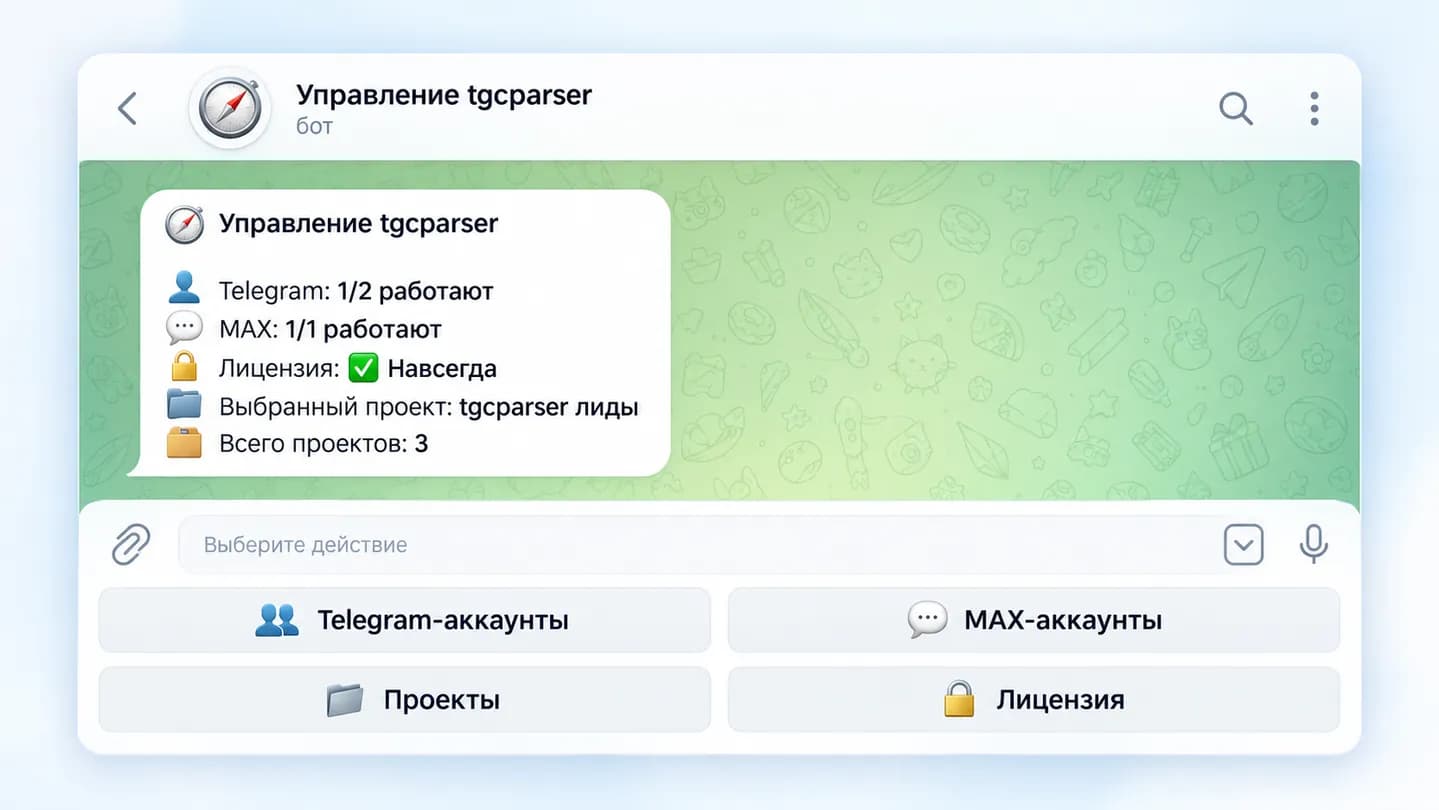
The selected project, multiple projects and connected Telegram/MAX accounts
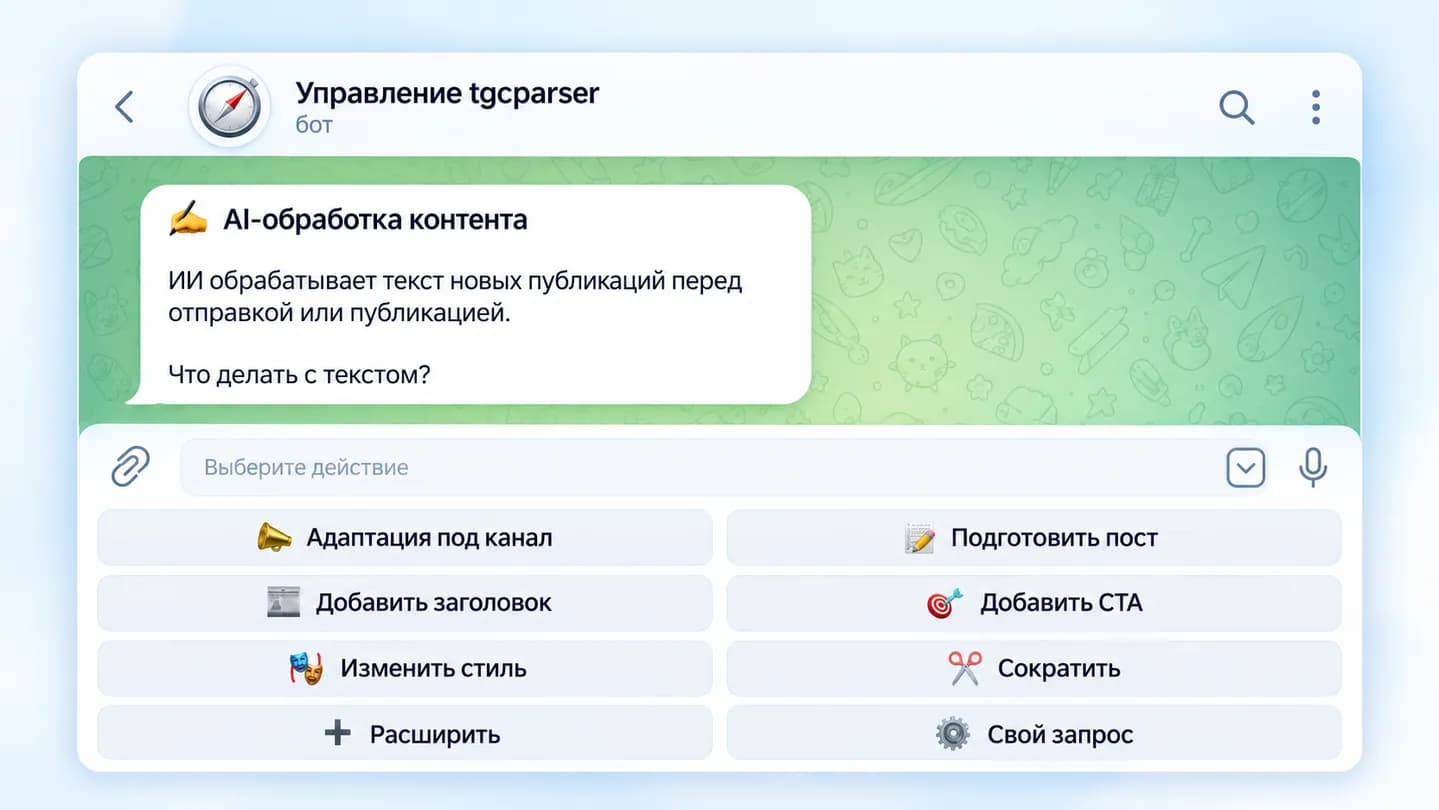
Adaptation, headlines, CTA, style and custom prompts directly in Telegram
Yes, when the connected Telegram account already has access to the chat.
No. You can use real-time monitoring or collect history for a selected period.
Yes. tgcparser X can run a fast keyword pass first and send only matching candidates to AI for semantic validation.
Yes. Independent projects can use their own sources, destinations, filters and settings.
Message text, date and time, author, username, links, source data and other available fields can be saved to TXT and CSV.
No. Core management is handled through the Telegram control bot.
History, real-time collection, keywords, AI, and author data are configured in one project.
Try for 24 hours